Bring X-Plane’s ground scenery to life.
3Dgrass replaces flat green textures with standing, animated ground cover that transforms airports, fields, and low-level scenery across the world.
What is 3Dgrass?
Real standing grass
Default terrain can look convincing from altitude, but close to the ground it is still visibly flat. 3Dgrass adds true vertical vegetation objects that give the ground depth, texture and presence.
Dense where it matters
The system is built around a rich local vegetation ring close to the camera, with a natural fade from the outer edge so coverage feels smooth rather than abrupt.
Built for transformation
The goal is simple and visible: turn empty-looking grass textures into a living surface with movement, natural variation and a far more believable sense of place.
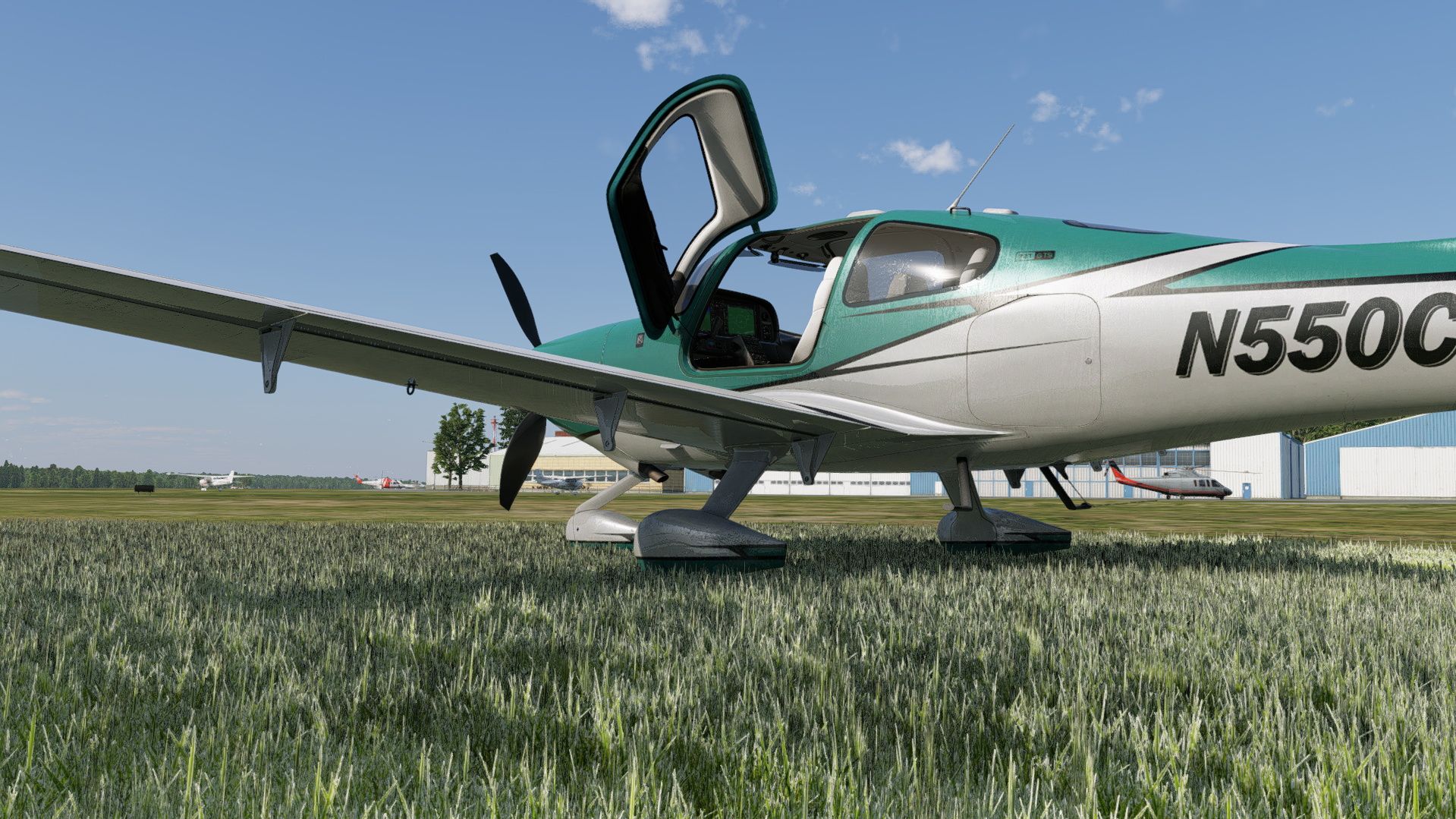
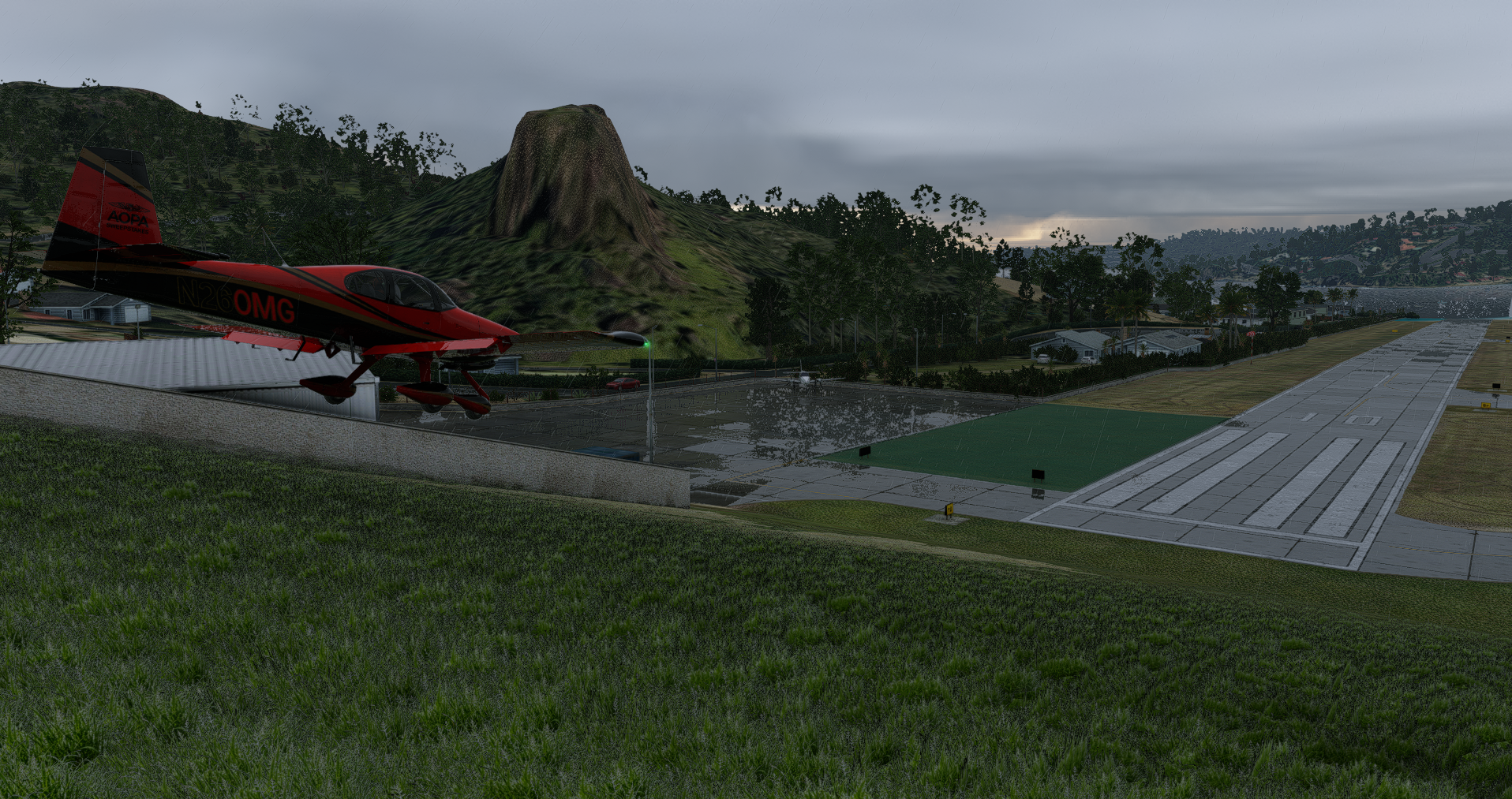
Before / after
Grass airfield transformation
Default texture → 3Dgrass enabled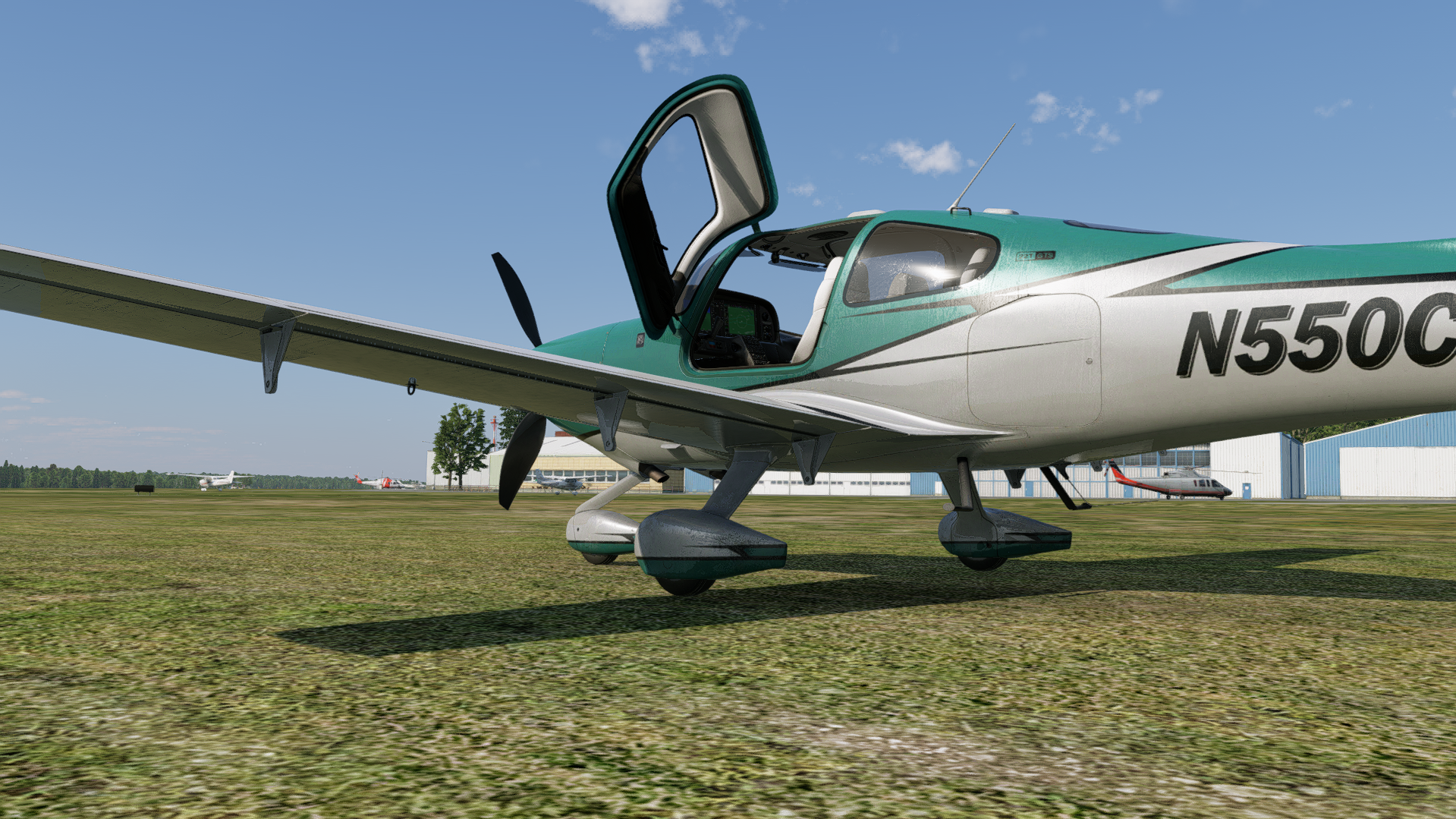 Before
After
Before
After
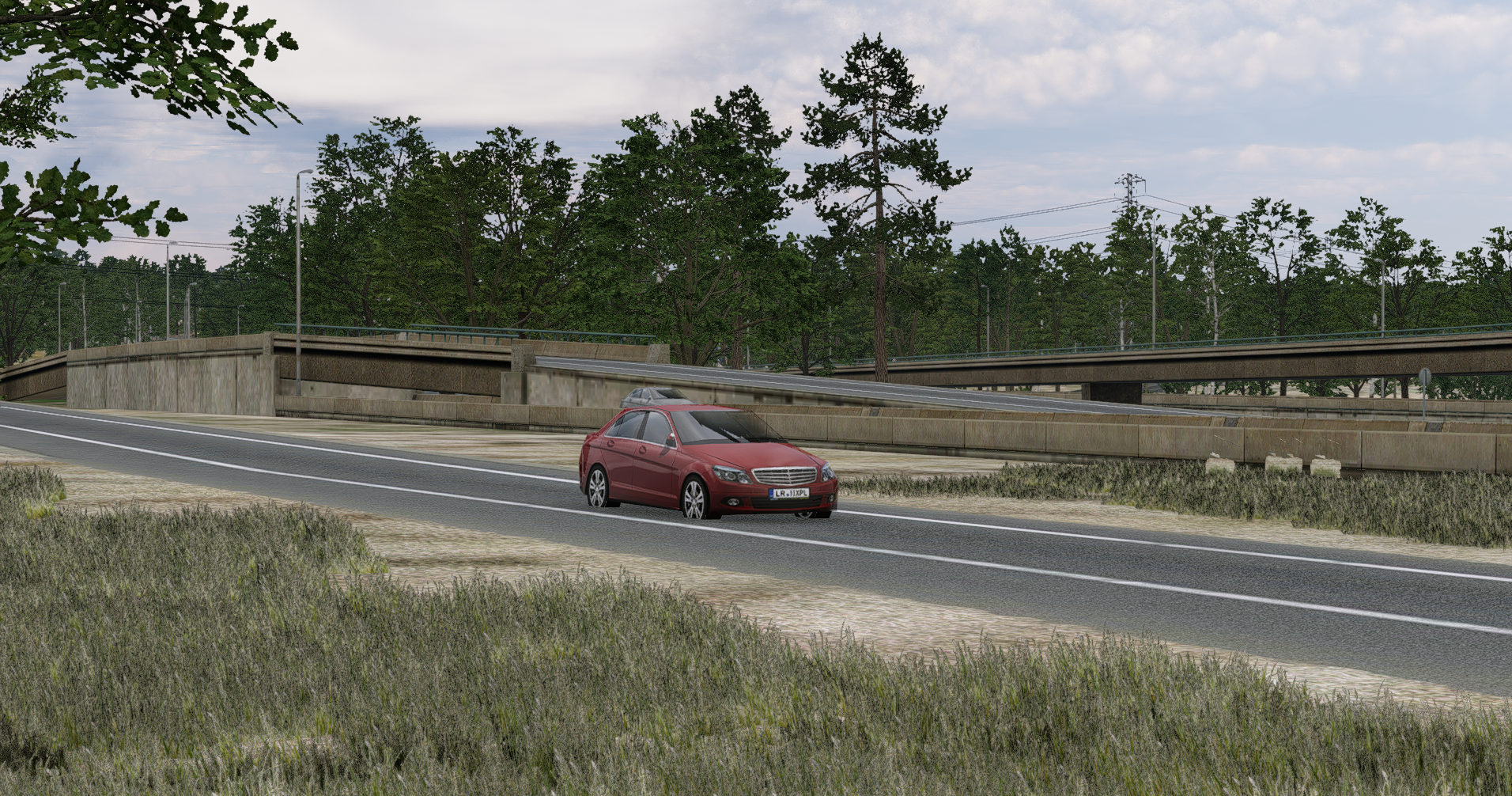
Ground-level detail around objects
Default texture → 3Dgrass enabled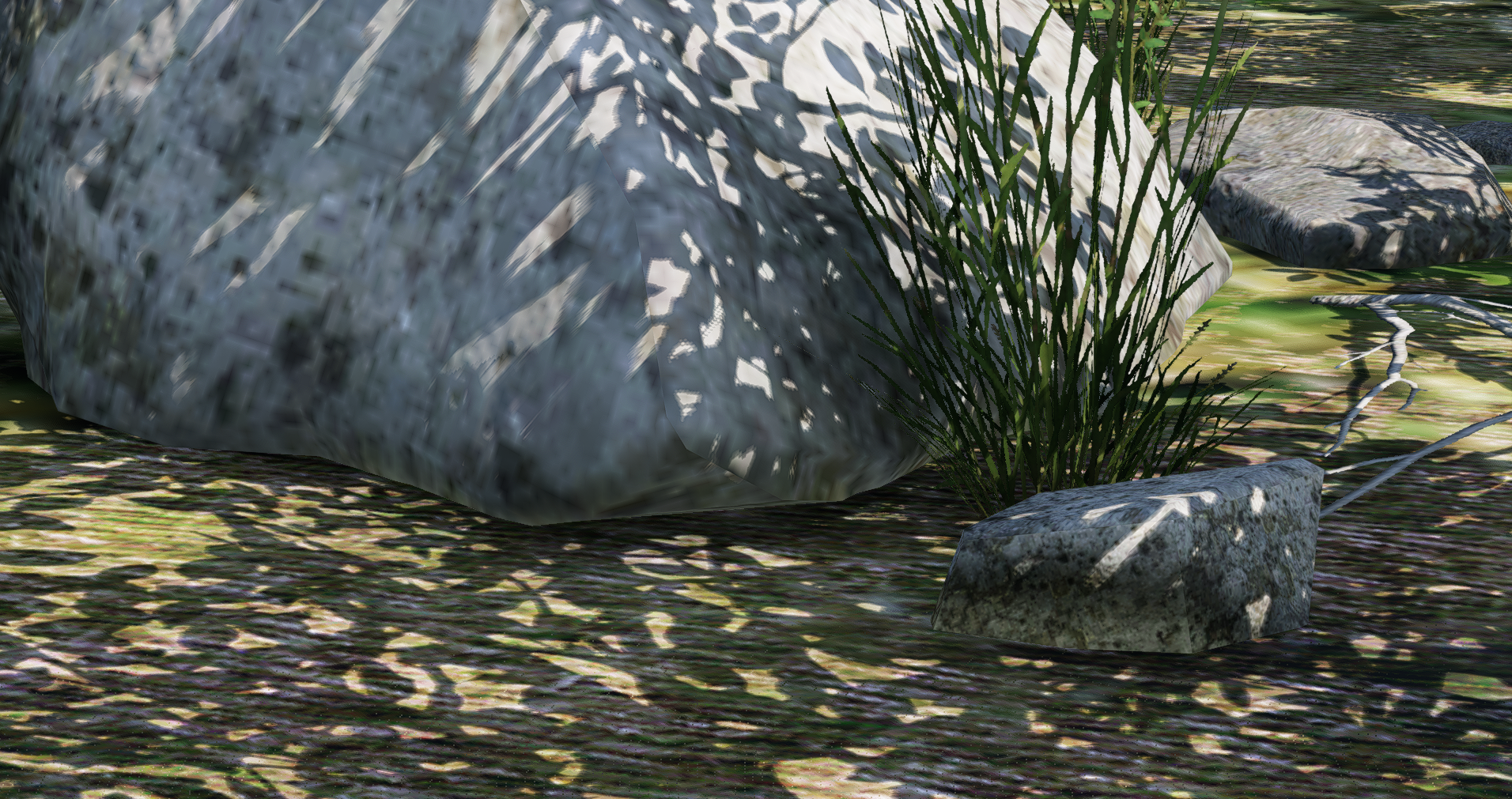
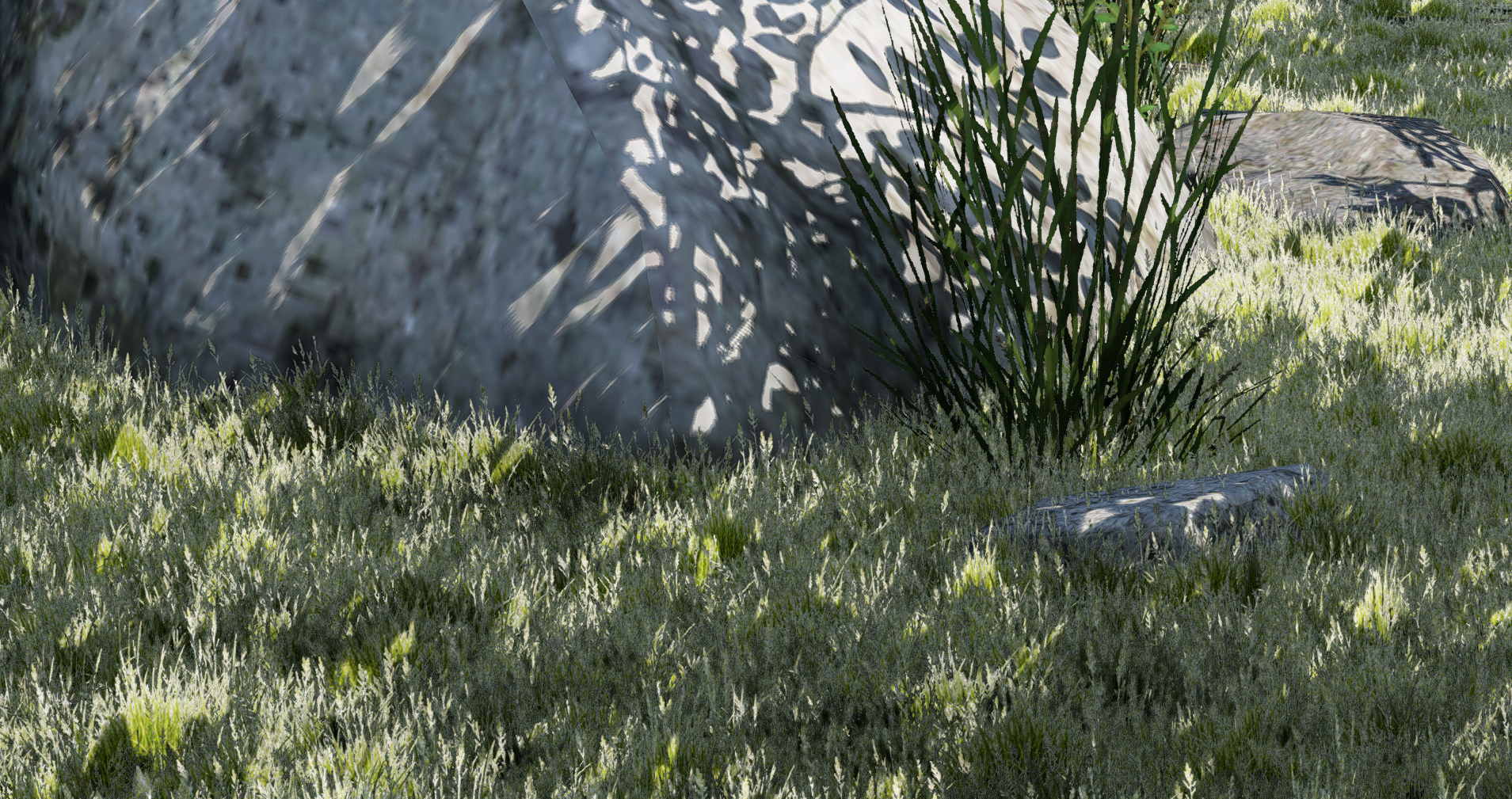 Before
After
Before
After
Global coverage, not just one airport
Why the streaming system matters
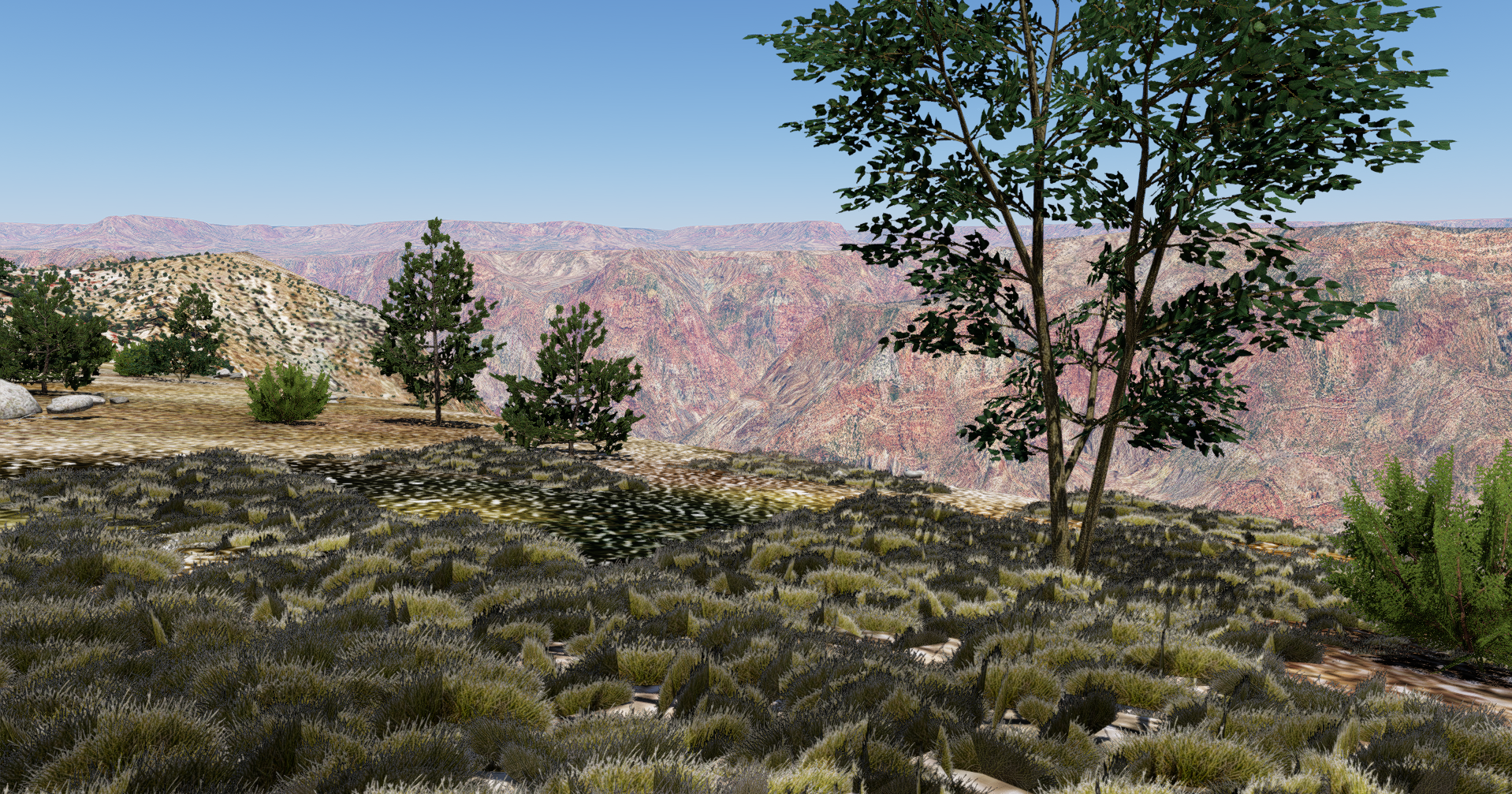
130+ vegetation and plant types
Base vegetation
- Short airport grass, tall meadow grass, dry yellow grass and wet dark grass
- Alpine grass, tundra grass, prairie grass, savanna grass and steppe grass
- Coastal grass, sandy dune grass, rough verge grass and clumped field grass
- Wild meadow mix, sparse rocky grass, reed beds, rushes, sedge and water grass
- Tropical tall grass, elephant grass, pampas grass, tussock grass, kangaroo grass, Patagonian steppe grass and Andean tussock grass
Detail vegetation
- Flowers, small plant clusters, scrub, wetland plants, alpine flowers and desert blooms
- Examples include daisy, buttercup, dandelion, poppies, bluebells, lavender, heather and lupins
- Also includes foxglove, sea thrift, edelweiss, cotton grass, gorse, ferns, bracken and cattails
- Regional species include papyrus, sagebrush, tumbleweed, protea, aloe, New Zealand flax, bamboo grass and bromeliads
- Moss and lichen patches help colder or rougher environments feel more believable
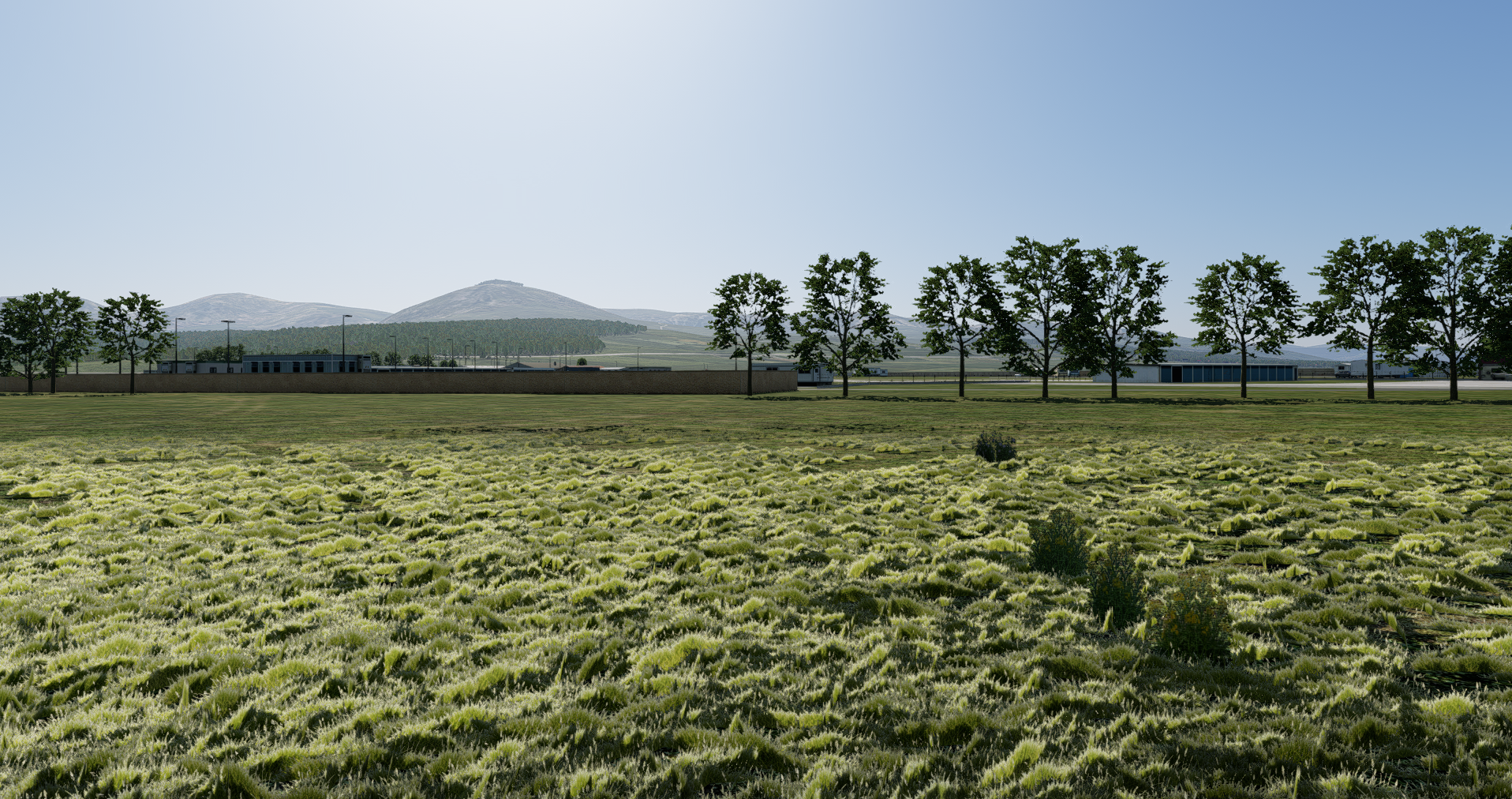
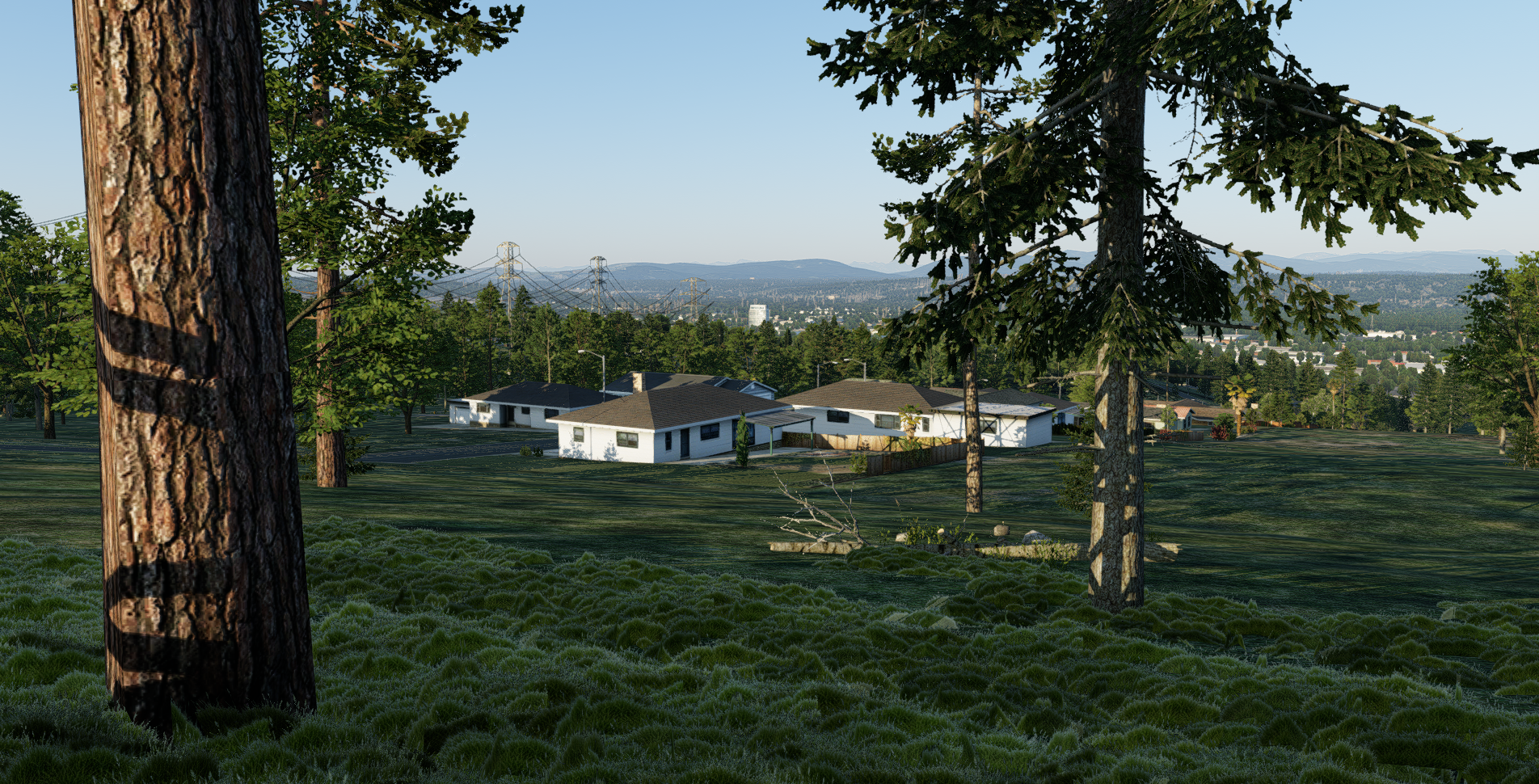
Airport realism and smarter placement
Airport-aware placement
Alive in motion
Performance controls and presets
Low
Sparser, lighter coverage for weaker hardware or users who want a subtler footprint while retaining the sense of real standing vegetation.
Medium
Fuller local coverage with strong efficiency, intended as the balanced preset for most users.
High
More visually complete local coverage for users chasing the richest close-up look.
User controls
- Draw distance and density
- Spacing and fade / sink distance
- Maximum instances and grass height scaling
- Terrain slope tolerance
- Road margin and pavement margin
- Seasonal and biome systems
- Advanced regeneration and streaming controls
Who it is for
- General aviation and grass strip operations
- Helicopters and low-level flying
- Bush flying and remote operations
- Ground-level screenshots and cinematic video
- Users who want airport surroundings and open terrain to feel more alive
Buy 3Dgrass
What you receive
Ready to transform the world beneath you?
Buy 3Dgrass directly from this page through the embedded Payhip checkout.
Contact & support
Need help?
Send a message and it will be delivered to the 3Dgrass support inbox. For purchase or download issues, include the email address used at checkout where relevant.
Send a message
FAQ
Does it work globally?
Yes. 3Dgrass is designed as a global system for X-Plane 12 rather than a scenery pack for one airport. It creates vegetation around the camera wherever suitable terrain is available.
Will this work with ortho?
Yes. 3Dgrass works independently of the ground imagery, so it is compatible with ortho scenery and products such as satellite map replacements. It places vegetation onto X-Plane’s terrain rather than relying on the default ground textures. In rare cases, grass may appear over areas that visually look unsuitable in the ortho imagery, as 3Dgrass cannot read the photographic texture itself, but runways, taxiways, roads, and other supported exclusions are still handled as normal.
Does it place grass on runways?
No. The plugin is designed to exclude vegetation from hard runways, taxiways, aprons, airport pavement polygons, and roads where road exclusion data is available.
I’m seeing grass on hard ground. What can I do?
In rare cases, an airport may not provide the surface data 3Dgrass needs in order to correctly exclude itself from drawing over hard ground. If you are seeing grass appear beyond or close to the far side of runways, the pavement margin can also be increased in the 3Dgrass settings to push vegetation farther away from hard surfaces.
I’m seeing grass popping in front of me. How do I fix this?
There are a lot of rendering options available, and the results can look different across different hardware. The built-in presets have been tuned to cater to most systems, but in some cases you may still see visible popping. This can be completely removed by reducing the Distance Spacing Gain setting; ultimately, it comes down to how the user wishes to configure the plugin. For example, on lesser hardware, reducing spawn density while increasing draw distance can remove visible popping while keeping the performance impact low.
Is it performance friendly?
Yes, but the visual settings matter. On the higher-density presets, even strong hardware should expect some FPS impact because the plugin is deliberately drawing a large amount of local 3D vegetation. The system has been heavily optimised so that dense settings are not disproportionately punishing, and there is a broad set of performance controls available; the sparser presets will, in most cases, have a negligible impact or none that is meaningfully noticeable.
Are road exclusions included?
Yes. Road exclusions are included with 3Dgrass and are used to help prevent vegetation from appearing across visible roads, improving realism around airports, rural roads, urban fringes, taxi-access areas and airfield surroundings.
Can settings be adjusted?
Yes. Users can adjust draw distance, density, spacing, fade/sink distance, maximum instances, height scaling, margins, slope tolerance, seasonal behaviour and advanced regeneration or streaming controls.
Real vegetation. Global coverage. Built for X-Plane 12.
3Dgrass is for simmers who want the ground to stop looking flat when they are standing on it. Perfect for GA, bush flying, helicopters, airfield screenshots and low-level cinematic work.